

WordPress: when a file type is blocked for security reasons
Archived article with editorially revised content
The original article discussed upload problems around WordPress 4.7. The message may still appear today, but the cause may be different. File extensions, actual MIME types, user permissions and hosting restrictions can all be involved.
Do not disable validation globally
Turning off MIME checks entirely or generally enabling ALLOW_UNFILTERED_UPLOADS is not a sensible default fix. Renamed files or active content may be dangerous. First check the real format, supported WordPress and plugin versions, and the uploader’s permissions. SVG deserves particular attention because it can contain scripts and external references.
Allow only what is needed
If a business task requires another file type, use a targeted allowlist and appropriate content validation. An upload_mimes entry does not sanitise a file on its own. Test locally or in an isolated environment, keep a restorable backup and do not edit WordPress core files. Resolve the specific cause instead of dismantling every security boundary.
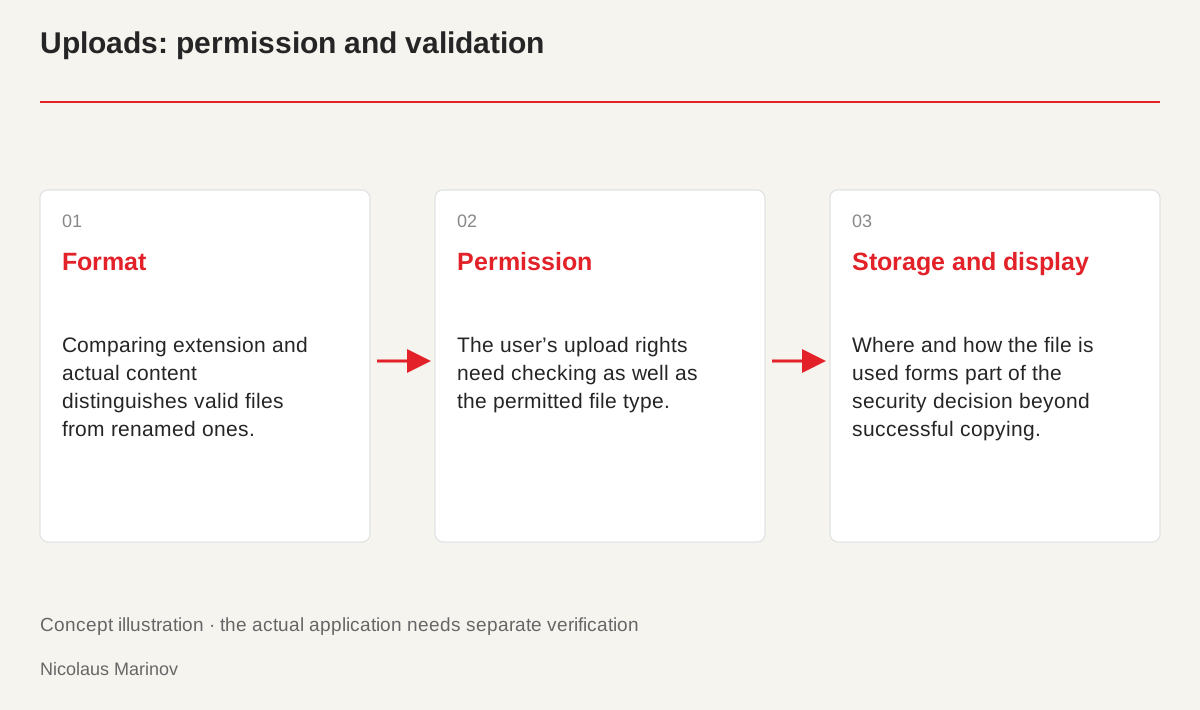
- Format: Comparing extension and actual content distinguishes valid files from renamed ones.
- Permission: The user’s upload rights need checking as well as the permitted file type.
- Storage and display: Where and how the file is used forms part of the security decision beyond successful copying.
Understand the layers behind the message
The filename extension, reported upload type and actual file content may differ. An incorrectly exported image or renamed document therefore needs a different investigation from a hosting size limit. First test a small, known-valid file with the same user. If it works, focus on the problematic file and its format. If neither works, inspect permissions, storage and the server response. Do not infer the cause from one general error message alone. An organised comparison narrows the problem down and avoids changing several security settings unnecessarily at the same time.
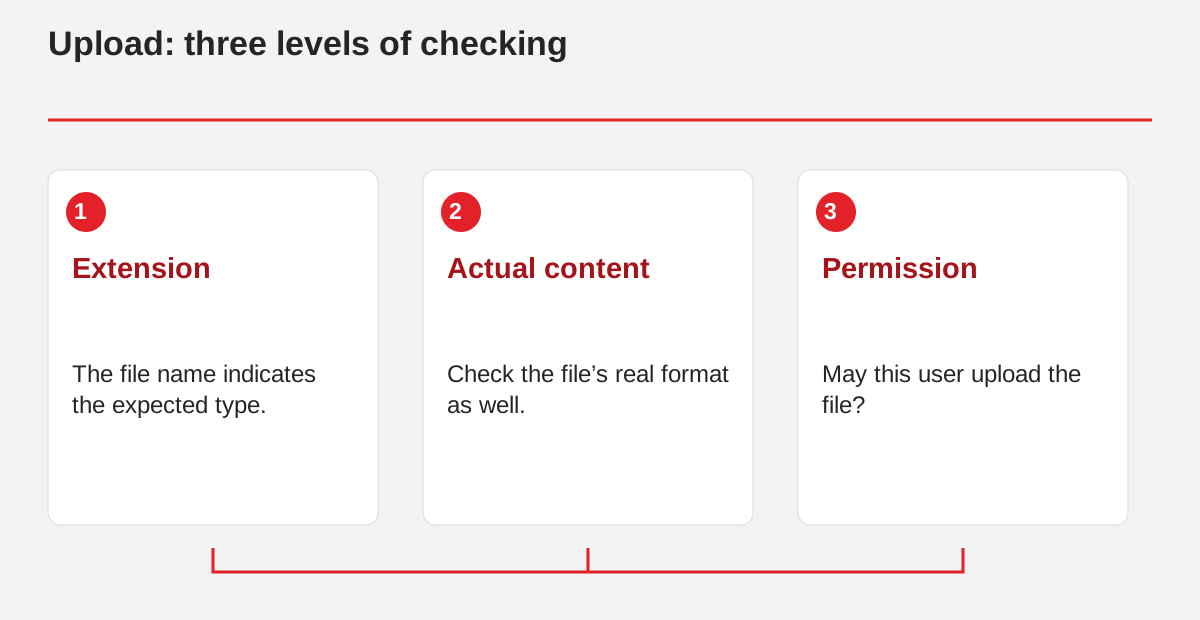
Upload: three levels of checking.
- Extension: The file name indicates the expected type.
- Actual content: Check the file’s real format as well.
- Permission: May this user upload the file?
A targeted allowance is not a general exemption
Before allowing a format, consider who may upload it, where it will be stored and how it will be displayed. A downloadable document may carry different risks from an embedded graphic with active content. SVG, for example, is XML-based; its extension does not establish safety. Pair the allowance with appropriate cleaning or validation, size limits and permissions. Installing a plugin is not proof by itself. Check what it validates and whether that behaviour works with the supported version. The rules should answer the specific business need rather than accepting every conceivable file without inspection.
Test the cases that should fail
One successful upload is not enough. In the test environment, check an incorrect extension, an oversized file and a disallowed type without sending dangerous content to the live server. Error feedback should be understandable but should not expose internal server paths. Users need to know which formats and sizes are accepted. The change must continue to block unauthorised uploads. If the new rule accepts everything, it has removed a boundary rather than fixed the problem. Useful tests therefore include valid files, deliberate counterexamples and checks of who is allowed to perform the action.
Make the correction maintainable
Keep changes in a separate versioned plugin or maintained configuration, not in the WordPress core. Record the permitted format and the business reason. Repeat successful and rejected cases after updates. Existing images, the media library and download links should continue to work. Backups and recovery planning matter because uploads can also have database records. The aim is secure handling of the required content, not making a warning disappear quickly while introducing an uncontrolled way to upload files.
Further references
Related reading
When the WordPress administration interface loads incorrectly