

WordPress emoji resources: when is removal worthwhile?
Archived article with editorially revised content
WordPress may load additional resources to make emoji rendering more consistent. A simple business website may not need them, but removing them does not by itself guarantee measurable speed improvements or better search rankings.
Measure before optimising
Check which files and inline code the actual WordPress version delivers and whether the content uses emoji. Old examples based on print_emoji_styles are not current in every supported version; newer styles may be loaded through wp_enqueue_emoji_styles. Do not copy an old comprehensive disabling snippet without checking it.
Make a targeted, verifiable change
If needed, adjust the relevant hooks in a small site plugin so theme updates do not overwrite the work. Check articles, the editor, email and RSS too. Native emoji may still look different across systems and fonts. Optimisation should reduce unnecessary resources while preserving required functions, rather than offering an impressive but unsubstantiated SEO promise.
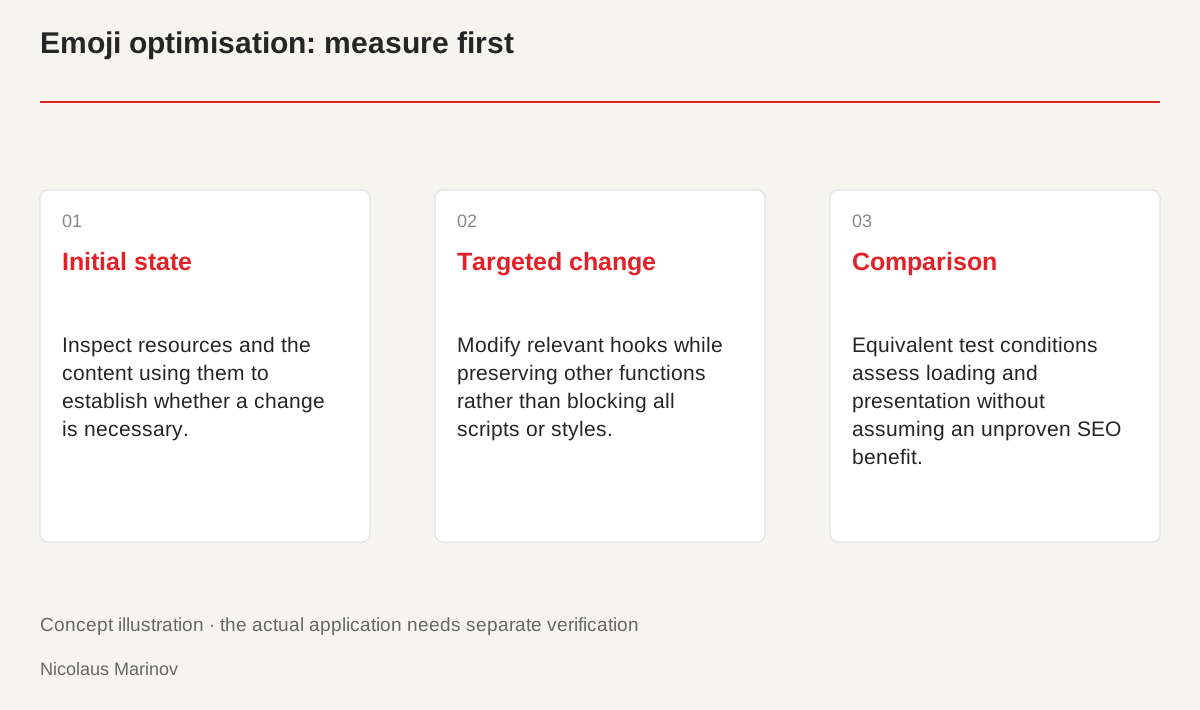
- Initial state: Inspect resources and the content using them to establish whether a change is necessary.
- Targeted change: Modify relevant hooks while preserving other functions rather than blocking all scripts or styles.
- Comparison: Equivalent test conditions assess loading and presentation without assuming an unproven SEO benefit.
Inspect what the page actually loads
Begin by observing a specific page. Check the network list and HTML source for emoji-related scripts or styles and determine which content uses them. An old snippet does not establish the behaviour of a current WordPress installation. Names and loading paths may change between versions. Record the initial state so the result can genuinely be compared afterwards. Saying that unnecessary code was removed does not replace a test of loading and behaviour. A precise inventory also reveals whether the proposed optimisation affects a relevant resource on this particular website at all.
Understand the presentation requirement
Emoji can differ across browsers and system fonts. If the content does not need additional consistent rendering, part of the support may be unnecessary. Articles, the editor, comments and outgoing email create different conditions, however. Check those requirements separately. The aim is not to remove every symbol but to identify which support the real content needs. Meaning and readability should survive the change. A feature that seems unnecessary on the homepage may still affect another output. Its actual use should therefore be part of the decision rather than assumed from one preview.
Avoid unrelated side effects
Verify the relevant hooks and functions in current WordPress documentation. Disabling all style or script management would be disproportionate for one small resource. Keep the adjustment traceable in a simple separate plugin that survives theme updates. Test public articles, the editor and any required outputs. Provide a way back so unexpected presentation problems do not require prolonged troubleshooting on the live site. Targeted optimisation preserves working foundations instead of replacing investigation with a broad prohibition. The purpose should remain understandable after future updates, not become another unexplained fragment of maintenance code.
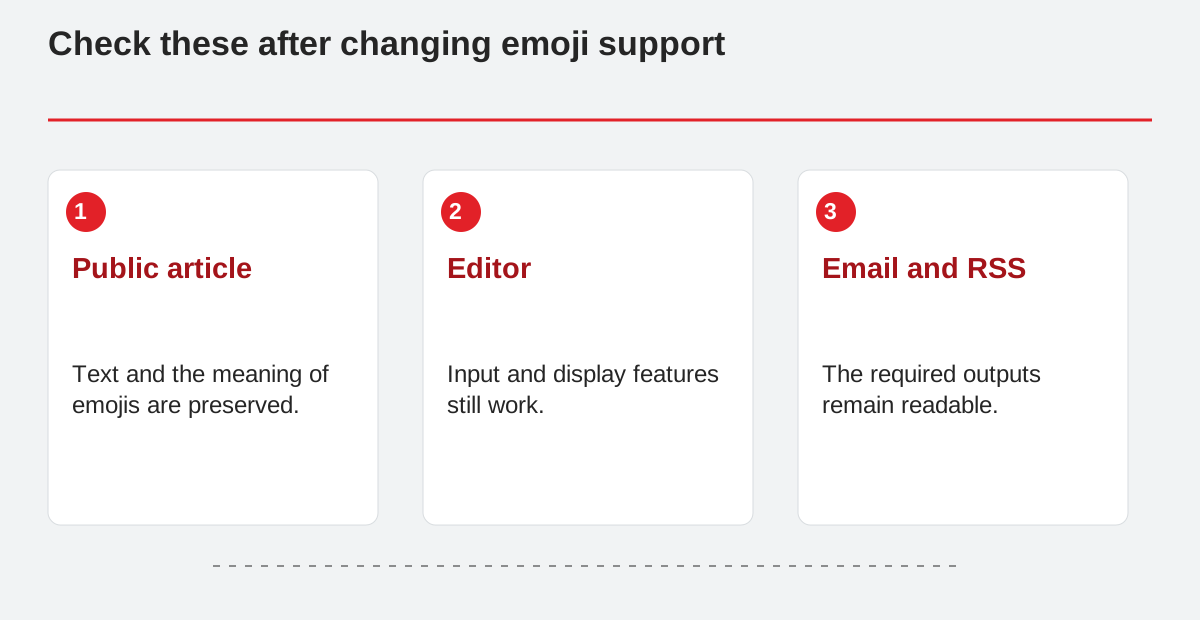
Check these after changing emoji support.
- Public article: Text and the meaning of emojis are preserved.
- Editor: Input and display features still work.
- Email and RSS: The required outputs remain readable.
Assess the result in context
If images are oversized or an external script is slow, removing a small emoji resource may not be the most useful task. Measure in comparable conditions and distinguish first loads from cached visits. The result may be less code without a measurable change in experience. Describe that accurately rather than turning it into an automatic SEO promise. Shorter, well-justified code can help maintenance, provided necessary use is preserved. A useful optimisation should consider simplicity, observed impact and side effects together rather than treating fewer files as sufficient evidence of success.
Related reading
When the WordPress administration interface loads incorrectly