

WordPress email: setting the sender name and address
Archived article with editorially revised content
Website notifications should be recognisable: customers should know who sent them and where they can reply. You can replace the default WordPress sender with your own verified name and address. Changing the display is not the same as configuring reliable delivery.
Two separate tasks
The wp_mail_from_name and wp_mail_from filters, or an appropriate maintained mail solution, can adjust the sender. Put custom behaviour in a site plugin rather than a parent theme that updates may overwrite. Actual delivery should use an authenticated channel from the host or mail provider. Agree SPF, DKIM and DMARC settings with that provider.
Use only an address you are entitled to use
Do not impersonate an arbitrary address on another domain. A contact-form visitor’s address usually belongs in Reply-To rather than an unauthenticated From field. Test notifications, reply addresses and delivery with several mailboxes. A successful sending function does not prove the message arrived. The goal is a consistent, recognisable and verifiable mail process.
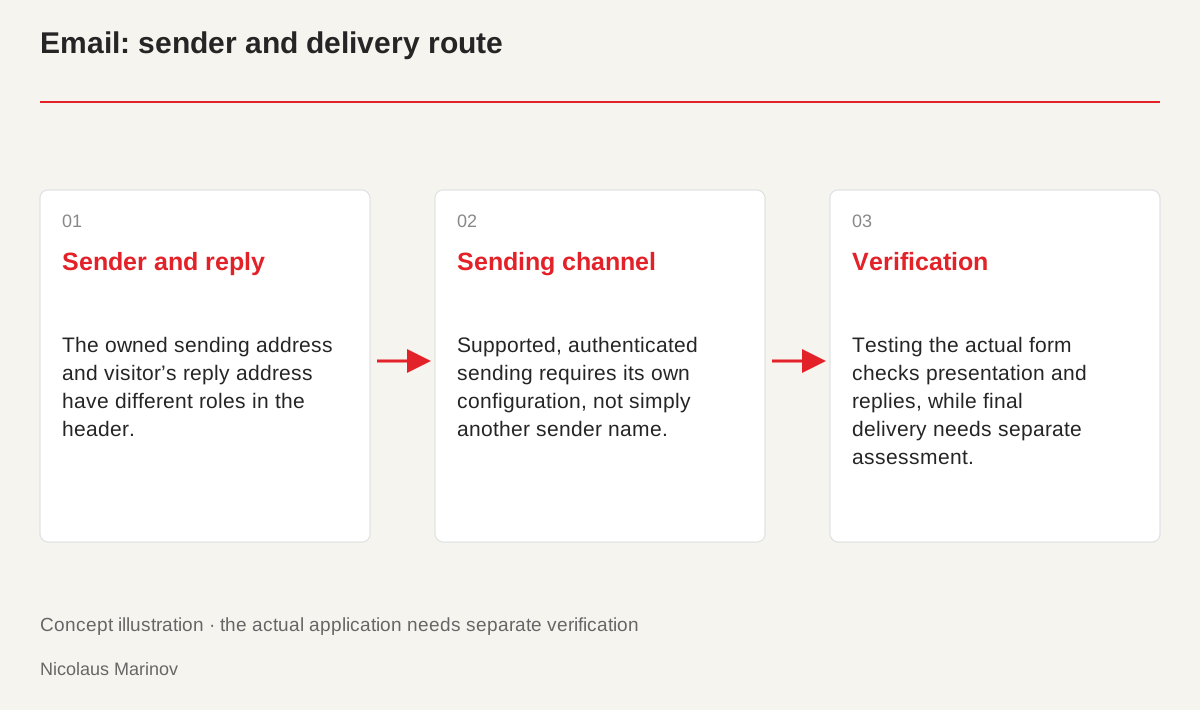
- Sender and reply: The owned sending address and visitor’s reply address have different roles in the header.
- Sending channel: Supported, authenticated sending requires its own configuration, not simply another sender name.
- Verification: Testing the actual form checks presentation and replies, while final delivery needs separate assessment.
Separate the roles in the email header
The displayed sender name helps recognition, the sender address relates to sending and Reply-To identifies the reply destination. A contact form should therefore use an owned, authenticatable sender address. The visitor’s address can appear in the appropriate Reply-To field. The subject should identify the event, such as a new enquiry or confirmation. This keeps the message understandable in an inbox and prevents replies from going to an accidentally incorrect destination. Do not confuse these responsibilities in the configuration. A suitable-looking sender line does not establish either the reply route or the actual sending infrastructure.
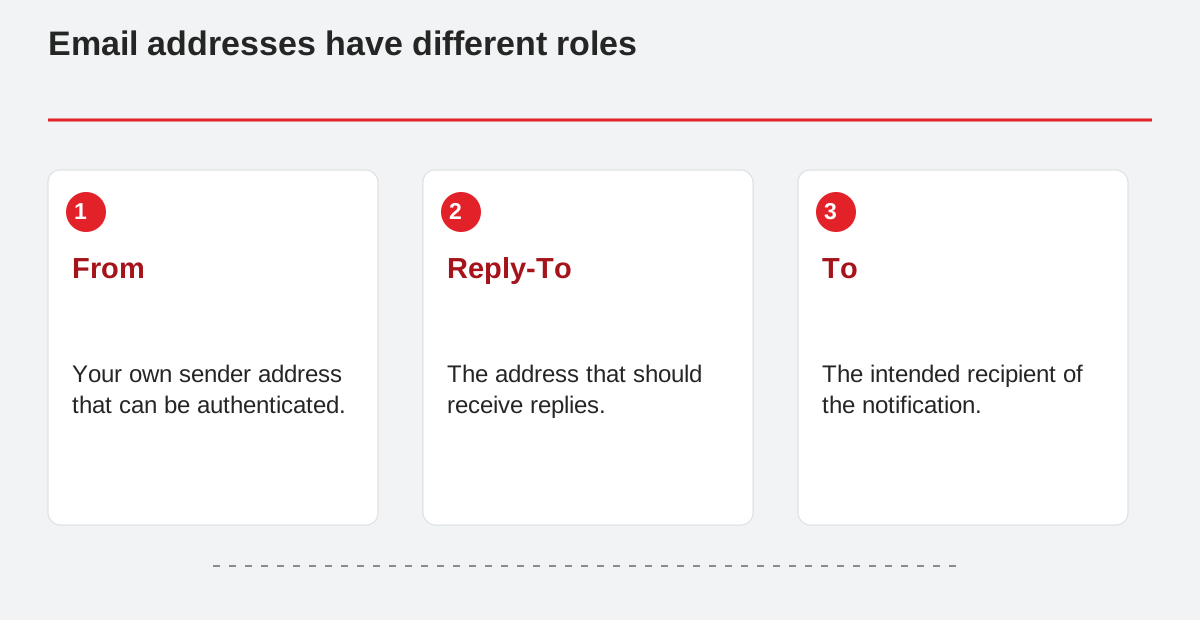
Email addresses have different roles.
- From: Your own sender address that can be authenticated.
- Reply-To: The address that should receive replies.
- To: The intended recipient of the notification.
Use a controlled sending channel
Authenticated SMTP or another supported method needs its own configuration. Do not put credentials in public source code or browser-visible settings. Configure domain authentication using the mail provider’s instructions and avoid contradictory records. Changing the visible sender does not automatically establish these systems. If delivery works only for some recipients, examine the sending path, provider response and received headers separately. An organised test shows whether the application sends, the provider accepts and the message finally reaches the expected mailbox. Each stage can fail for a different reason and should not be treated as one display problem.
Test the complete workflow
Send through the real form, not only a plugin’s test facility. Inspect the sender name, reply address, subject and accented characters. Try another mailbox and the reply button too. A successful send operation does not prove final delivery. An enquiry retained in the admin interface or a suitable log entry can provide additional evidence. Do not unnecessarily record every personal detail or secret credential. The test should reveal where the process stopped and who manages that stage. This gives troubleshooting a concrete basis instead of repeatedly changing the visible sender without checking the actual cause.
Maintain it and protect it from misuse
Keep the adjustment in a maintainable place and review it after WordPress updates. Server-side form validation, rate limits and appropriate spam protection matter as much as the email’s appearance. Do not insert arbitrary recipient or header values from a visitor’s request without validation. Errors should give understandable feedback while internal server information remains hidden. Properly configured email is then more than recognisable branding. It is a traceable, testable part of contact handling that can continue working reliably as the website develops.