

SSL and TLS: how HTTPS protects your website’s visitors
Archived article with editorially revised content
SSL remains a familiar name, but modern HTTPS connections use TLS. It protects transmission between a browser and a server: intercepting traffic and making undetected changes in transit becomes harder, while the certificate helps identify the server. This matters beyond online shops. A company website’s contact form or customer portal may also transmit information that needs a protected connection.
How does HTTPS establish a connection?
The browser and server first agree on security parameters. The browser checks that the certificate matches the requested domain, is valid and belongs to a trusted certificate chain. They then encrypt traffic using session keys established during connection setup. Visitors do not have to perform these steps themselves; the browser and a correctly configured server handle them together.
For example, when somebody submits an enquiry on public Wi-Fi, HTTPS prevents the form contents from travelling as directly readable HTTP data. It does not make every aspect of a network connection invisible. Some information about the destination or the amount of traffic may still be observable.

Illustration: a generated server-room image, not a photograph of a named hosting provider’s infrastructure.
What does a certificate establish?
A certificate supports verification of the relationship between a domain name and the server’s cryptographic identity. It is not a general quality seal and does not prove that a business or an offer is trustworthy. A phishing website can have a valid HTTPS connection too. Checking the exact address still matters, especially before logging in or making a payment.
TLS protects data in transit. Stored information, faulty permissions and outdated applications require separate protection. Updates, strong passwords, appropriate access controls and backups remain necessary. HTTPS alone does not establish complete privacy compliance or payment security. A secure website needs several complementary measures rather than a single browser indicator.
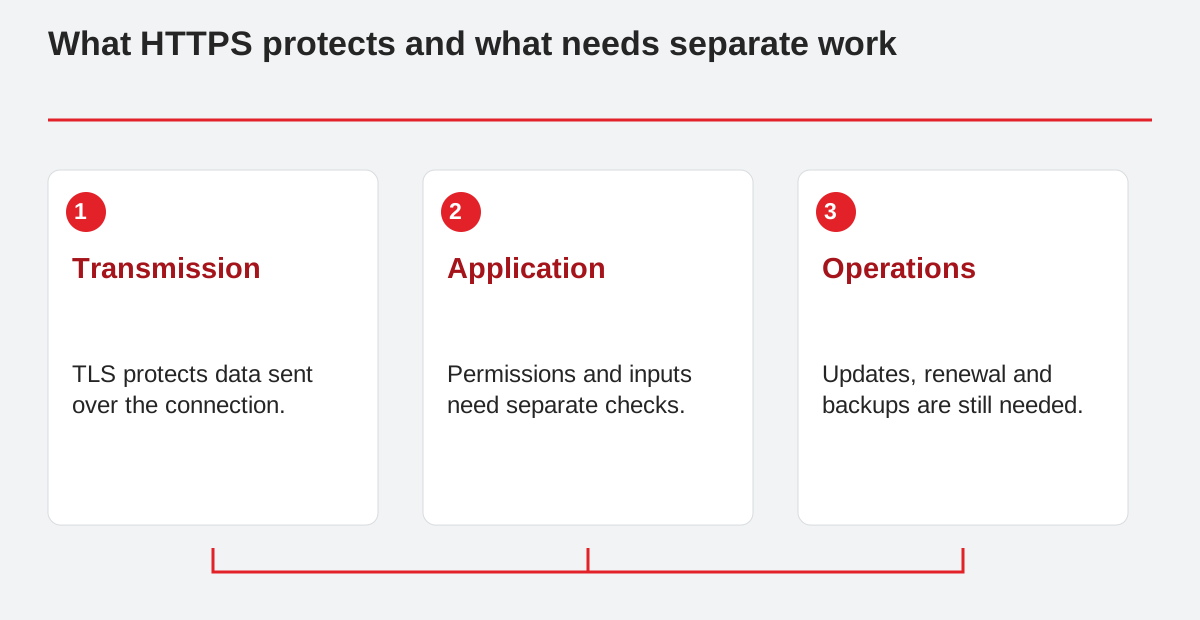
What HTTPS protects and what needs separate work.
- Transmission: TLS protects data sent over the connection.
- Application: Permissions and inputs need separate checks.
- Operations: Updates, renewal and backups are still needed.
Protect the whole page consistently
Images, fonts, stylesheets and scripts should use HTTPS as well as the page itself. When a secure page requests an HTTP resource, it creates mixed content. Depending on the resource type, the browser may upgrade the request to HTTPS or block it. An old image address can therefore cause a visible problem, while a blocked script can stop a form from working.
HTTP addresses should redirect to their HTTPS equivalents, and the address receiving a form submission should also be secure. For session cookies, Secure restricts transmission to HTTPS; HttpOnly and appropriate SameSite settings address different risks. None of these settings replaces the application’s own permission checks or input validation. Test the actual login and submission flow after changing a site’s configuration.
Renewal and ongoing checks
Certificates expire, so renewal and verification are operational tasks alongside initial issuance. Automated renewal still needs monitoring: a changed DNS setting or a broken validation path can interrupt it. Expiry notifications, checks of the domain variants in use and verification of the complete certificate chain help identify problems before visitors encounter a warning.
A free certificate can provide suitable protection when used correctly. The previous promise of free security for 25 years, however, is not a substantiated guarantee. Security needs continuing care: the configuration and application must be maintained alongside the certificate. Check HTTPS after hosting changes and periodically during normal operation; successful issuance once does not ensure uninterrupted protection forever.
Related reading
Cookies and consent: when should visitors have a real choice?
MDN: how TLS works · MDN: mixed content · Let's Encrypt: certificates and renewal