

Your preferred web address: with or without www?
Archived article with editorially revised content
www and HTTP are not alternatives. www may be part of the hostname; HTTP is a transfer protocol, and HTTPS is its encrypted form. The choice is whether your secure primary address should include www.
One consistent address system
https://example.com and https://www.example.com are different addresses even when they show the same content. Choose a preferred version and permanently redirect the other to it appropriately. Canonical tags, internal links and the sitemap should follow that choice. This is clearer for visitors and search engines than maintaining parallel addresses.
A migration involves more than a redirect
DNS and certificates should work for both hostnames. Check that HTTPS and www rules do not create loops or unnecessary redirect chains. Old URLs should lead to their corresponding content rather than all being sent to the homepage. Adapt Apache or other server rules to the actual hosting environment. www alone does not make a business more professional; consistent use matters.
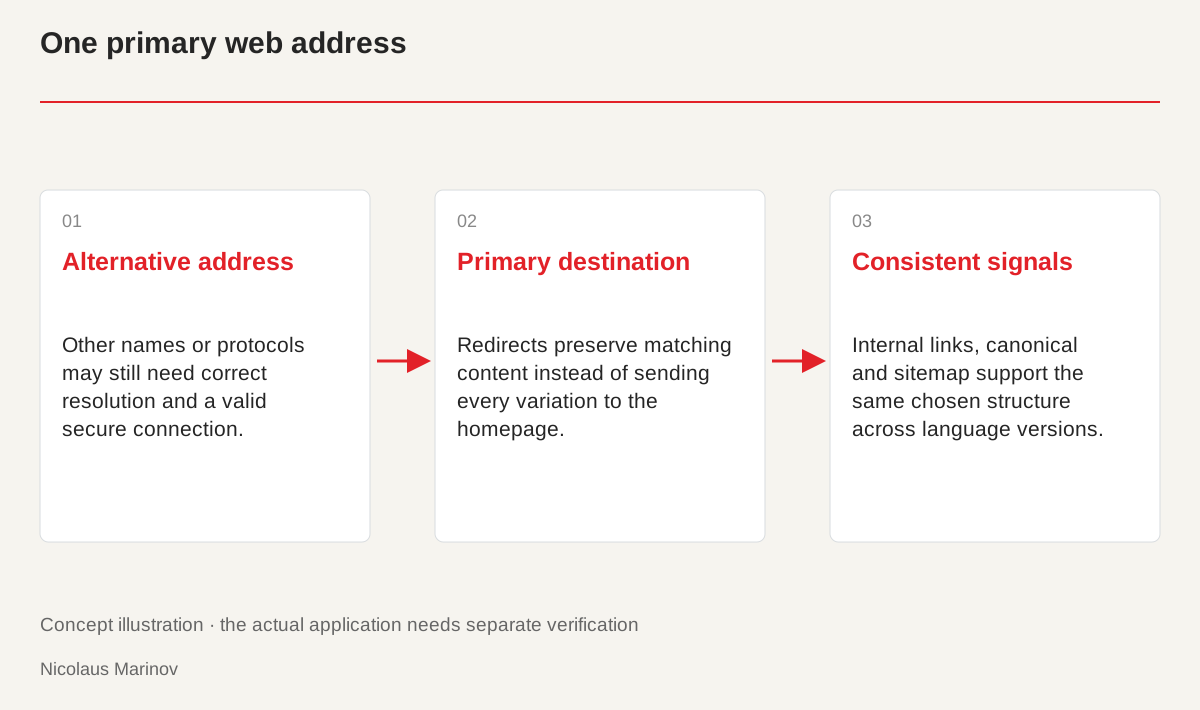
- Alternative address: Other names or protocols may still need correct resolution and a valid secure connection.
- Primary destination: Redirects preserve matching content instead of sending every variation to the homepage.
- Consistent signals: Internal links, canonical and sitemap support the same chosen structure across language versions.
Choose one primary version
Using www is principally an address-management decision. Either version can belong to a well-built website, so do not treat the choice as a measure of prestige. Consider any version already used consistently in printed materials and existing links. For a new project, choose an address that is easy to communicate and use it throughout the important touchpoints. Business cards, email signatures, internal links and search signals should all point in the same direction. A consistent structure matters even when the other version can technically be opened. Its purpose is to simplify use, not create unnecessary parallel addresses.
Aim for a direct redirect
Visitors should reach the intended HTTPS address as directly as possible from old or secondary versions. Separate HTTP and www rules can create longer chains when several layers manage them independently. Review the hosting, application and any proxy together. Do not copy server instructions into another environment without checking them. Make a recoverable backup before changing the live configuration. Test the homepage and a deeper article to ensure the path is retained. A rule that looks correct on the homepage may still silently send other content to an unrelated destination.
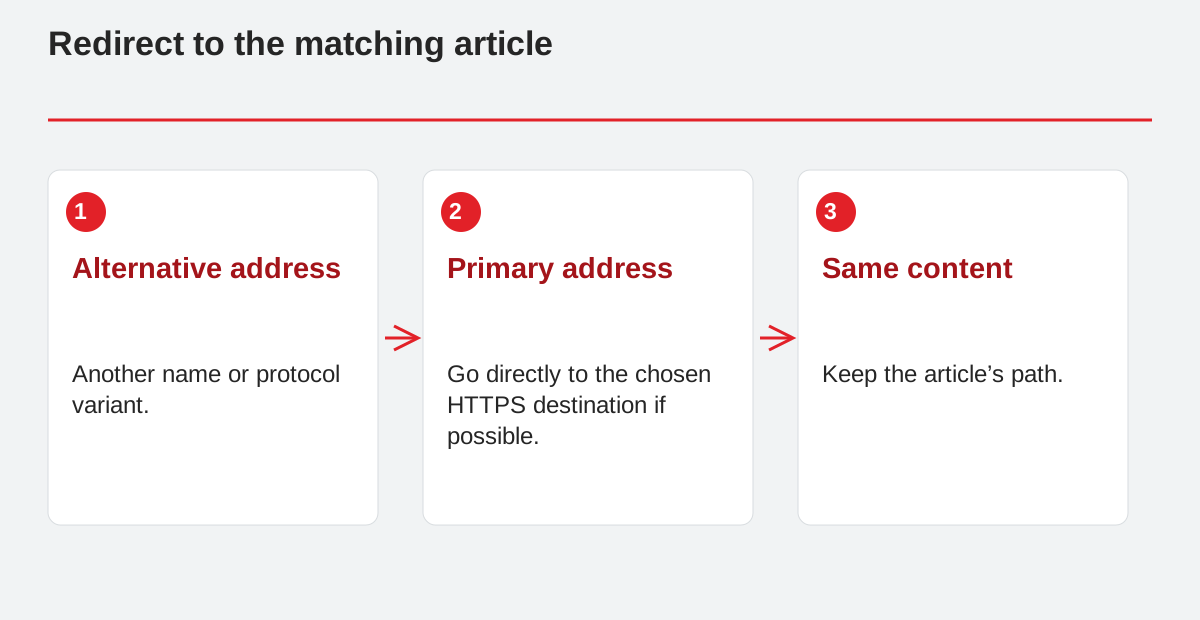
Redirect to the matching article.
- Alternative address: Another name or protocol variant.
- Primary address: Go directly to the chosen HTTPS destination if possible.
- Same content: Keep the article’s path.
Certificates matter for both names
Opening an HTTPS address may require a valid secure connection before its redirect is followed. Do not leave the secondary name with an unresolved certificate simply because it redirects later. Match name resolution and certificates to the actual hosting. Different subdomain and proxy arrangements may require different solutions. Do not dismiss browser warnings as irrelevant. Check DNS, the hostname and SSL/TLS settings separately. Secure access for the names being used is part of the address change, not an optional task to consider after the redirects have already been published.
Check the content relationship as well
An alternative article or reference address should reach that same content rather than always leading to the homepage. Update internal links to the primary version, and keep the sitemap and canonical signals consistent with it. On a multilingual site, each language page should identify its own appropriate address. Record the variants tested, their final destinations and any errors. The result becomes more than a preferred-looking URL: it is a structure verified across important content. The same short test plan can then be repeated after a hosting change instead of checking only whether the homepage still opens.