

Optimising a WordPress database without losing data
Archived article with editorially revised content
A WordPress database stores content, settings and various plugin records. Cleaning unnecessary entries can be useful, but a large database is not automatically slow. Deleting records does not replace investigating inefficient queries.
Back up and investigate first
Create a verifiable backup and test restoration. Inspect growing tables, slow queries and the plugins responsible for the data. The orphaned postmeta cleanup shown in the old article does not remove post revisions; those are different tasks. A deletion using the wrong prefix is not necessarily harmless either.
Targeted maintenance
Review revisions, expired temporary data and abandoned plugin records separately. WordPress operations or known maintained tools are often preferable to indiscriminate SQL deletion. OPTIMIZE TABLE behaves differently depending on the storage engine and table, and may require a maintenance window. Afterwards, check content, forms and administration. Only claim a speed improvement when measurements support it.
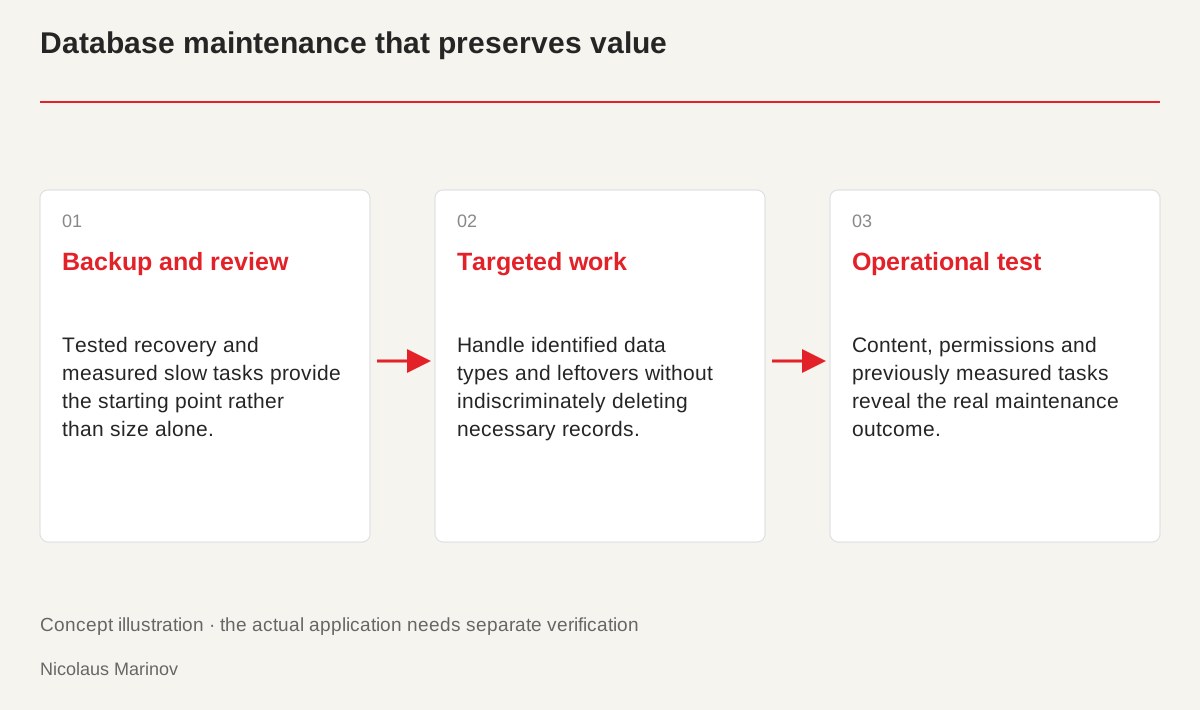
- Backup and review: Tested recovery and measured slow tasks provide the starting point rather than size alone.
- Targeted work: Handle identified data types and leftovers without indiscriminately deleting necessary records.
- Operational test: Content, permissions and previously measured tasks reveal the real maintenance outcome.
Size does not identify the cause
First establish what is slow: the public site, editing, search or a particular plugin operation. A larger table may be justified by many orders or products. Assess its size in relation to stored content and queries. A frequently executed poor query can also affect a small database. Collect measurements before choosing maintenance work. Increasing the number of deleted records is not automatically performance optimisation and does not prove that visitors receive a faster site. A specific investigation distinguishes storage requirements from the behaviour that actually needs improvement.
Test whether the backup can be restored
A functioning backup may need application files, uploads and configuration as well as the database. Record the environment and versions. Restore a separate copy and check important content, login and forms. The existence of a backup file does not prove successful recovery. Plan how new data created during maintenance will be handled, especially orders and customer enquiries. Preparation takes time but protects valuable information. Do not start cleaning while the recovery process is unclear or while nobody knows what additional data may have arrived since the backup was made.
Treat different kinds of data separately
Revisions are post versions, metadata are supporting records and transients are temporary application data. They need different checks and operations. A removed plugin’s table is not automatically unnecessary because of its name. Examine the code that uses it and any business information it contains. Produce a query or tool preview before deleting, and understand the affected records. Give the operation a precise target and recovery path. Handle identified leftovers rather than indiscriminately cleaning the entire system. This distinction protects records that look similar but serve different purposes from being removed under one general rule.

Different data serves different purposes.
- Revision: An earlier version of a post.
- Metadata: An additional record associated with content.
- Transient: Temporary application data needs separate checks.
Measure success through operation
Afterwards, measure the same tasks in comparable conditions. Confirm that content and permissions still work. The storage engine and hosting influence table-maintenance behaviour and any operational interruption. Do not promise a percentage improvement without investigation. Record what changed, what was preserved and what results were observed. The next specialist then receives a verifiable state rather than an unknown, partly cleaned database. Maintenance becomes understandable and repeatable. Its value lies in an application that continues to function correctly and in improvements supported by evidence, not merely a smaller file.
Related reading
When the WordPress administration interface loads incorrectly