

Domain, hosting and website: what is the difference?
Archived article with editorially revised content
A domain is a memorable internet name, not the website itself or its hosting. Registering a name may still leave you needing a server, email, a certificate and actual content. Before buying, check what the package includes and what renewal will cost.
How does a browser find the server?
DNS resolves records associated with the name, such as an IP address. Several websites can share a server and even an IP address: the server chooses the site using the requested hostname. A separate subnet address is not automatically needed for every website. Email and other services may require additional records.
Parts of an address and choosing a name
In https://www.miklosmarinov.com, HTTPS is the protocol, www is a subdomain, miklosmarinov is the chosen name and .com is the top-level domain. The appropriate ending depends on the audience and use; availability and trademarks matter too. Keep control of your name, secure the account and plan renewals. A cheap first year does not necessarily mean inexpensive long-term operation.
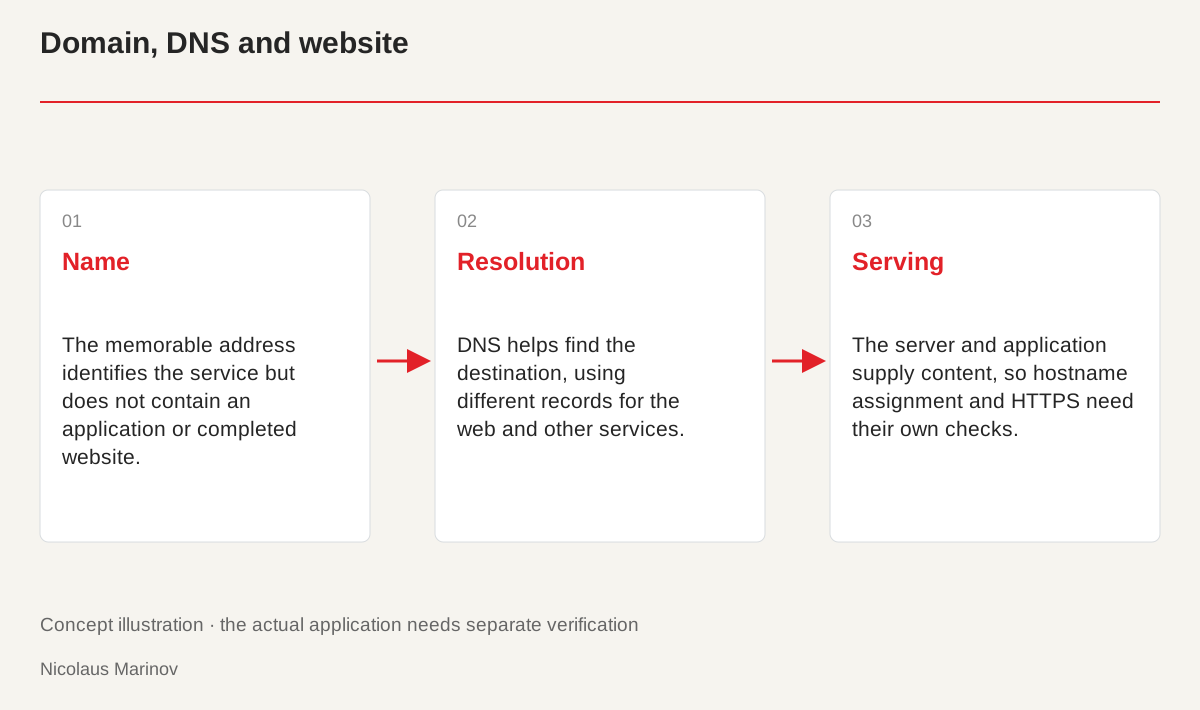
- Name: The memorable address identifies the service but does not contain an application or completed website.
- Resolution: DNS helps find the destination, using different records for the web and other services.
- Serving: The server and application supply content, so hostname assignment and HTTPS need their own checks.
You are dealing with separate responsibilities
Registering a name, operating a server and building an application can be separate services. A package may combine them, but you still need to understand responsibility for each part. Renewing a domain does not automatically update a website, and buying hosting does not create its copy. Email, backups and certificates may be included or require additional management. Ask for a clear list of initial and recurring tasks. Compare offers by the operation they actually provide, not only the first-year price. A clear division also helps identify the right provider or specialist when something later stops working.
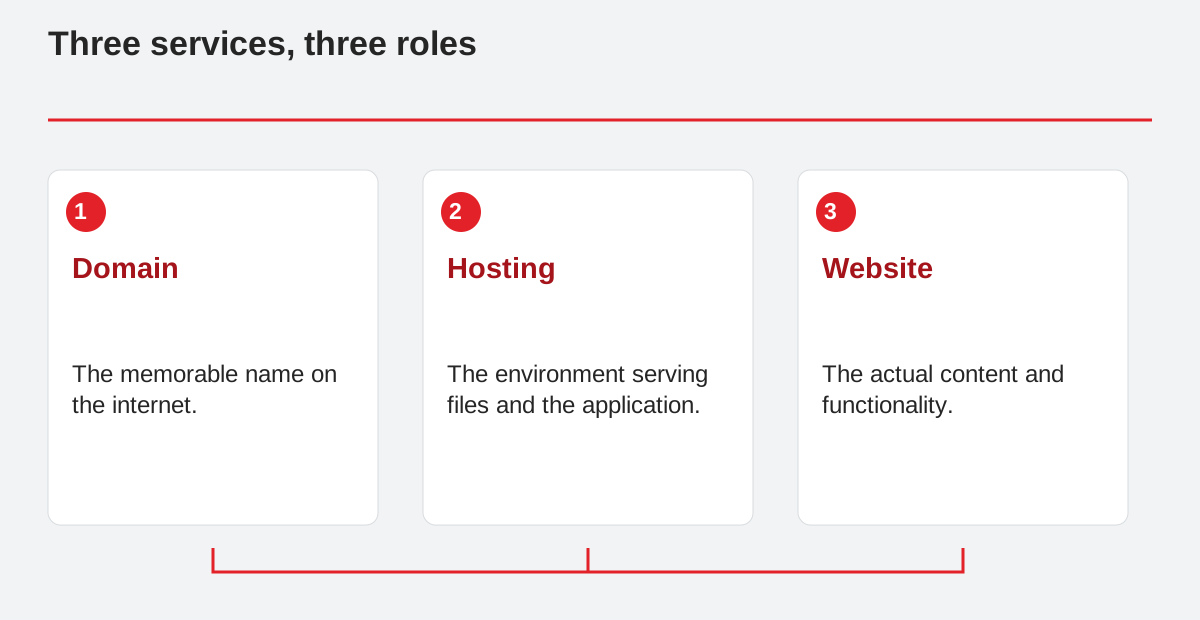
Three services, three roles.
- Domain: The memorable name on the internet.
- Hosting: The environment serving files and the application.
- Website: The actual content and functionality.
What DNS does in practice
Records associated with a name help the browser find the necessary server. Website traffic and email can use different records. A subdomain may point to another application or server while the main domain remains unchanged. DNS does not create the content being served. The server must also know which website belongs to the requested hostname. During troubleshooting, check name resolution, hostname assignment and HTTPS separately. Not every fault is a “domain problem”. Making the distinction avoids changing correct DNS settings when the real cause is in the application or server configuration.
Plan moves and access carefully
Changing the domain, hosting provider or developer may involve different steps. Move the required application files, database and uploads while planning continuity for email. Test content, forms and login at the new destination before directing visitors there. Cached DNS answers can temporarily make different destinations reachable. Do not shut down the old system prematurely. Transfer access using a precise checklist, and do not place passwords in public documentation. A controlled transition makes individual faults easier to fix and protects necessary material from being lost unnoticed during the move.
Assign responsibility for ongoing operation
Decide who updates the system, checks backups and receives expiry or error notices. A backup becomes dependable when the recovery process is known. Clarify how original content and customer information are handled too. A small presentation site may have different operational needs from a customer portal. Good infrastructure is not the package containing the largest number of technical terms. It connects services, access and maintenance responsibilities in a way the business can understand and actually use. That clarity belongs to long-term website operation, not just the initial technical setup.