

CMYK: how the printing colour system works
Archived article with editorially revised content
CMYK stands for cyan, magenta, yellow and black printing inks. This is subtractive colour mixing: ink absorbs part of the incoming light, and we see the light reflected from the paper. Black supports dark tones and the reproduction of fine detail.
Why a screen and a print look different
A monitor creates an image using RGB light; print uses ink and the colour of its substrate. Their colour gamuts differ, so some vivid screen colours cannot be reproduced identically in four-colour printing. Paper, equipment, ink and the ICC profile also affect the result. Simply switching colour modes does not guarantee a reliable match.
Delivering print-ready artwork
Ask the printer about the required profile, bleed, PDF version and total ink limit. Small black text and large dark areas may need different treatment. For a critical identity colour, discuss a proof or a spot colour. Colour management is not about blindly copying the monitor; it is about a predictable result suited to the actual production process.
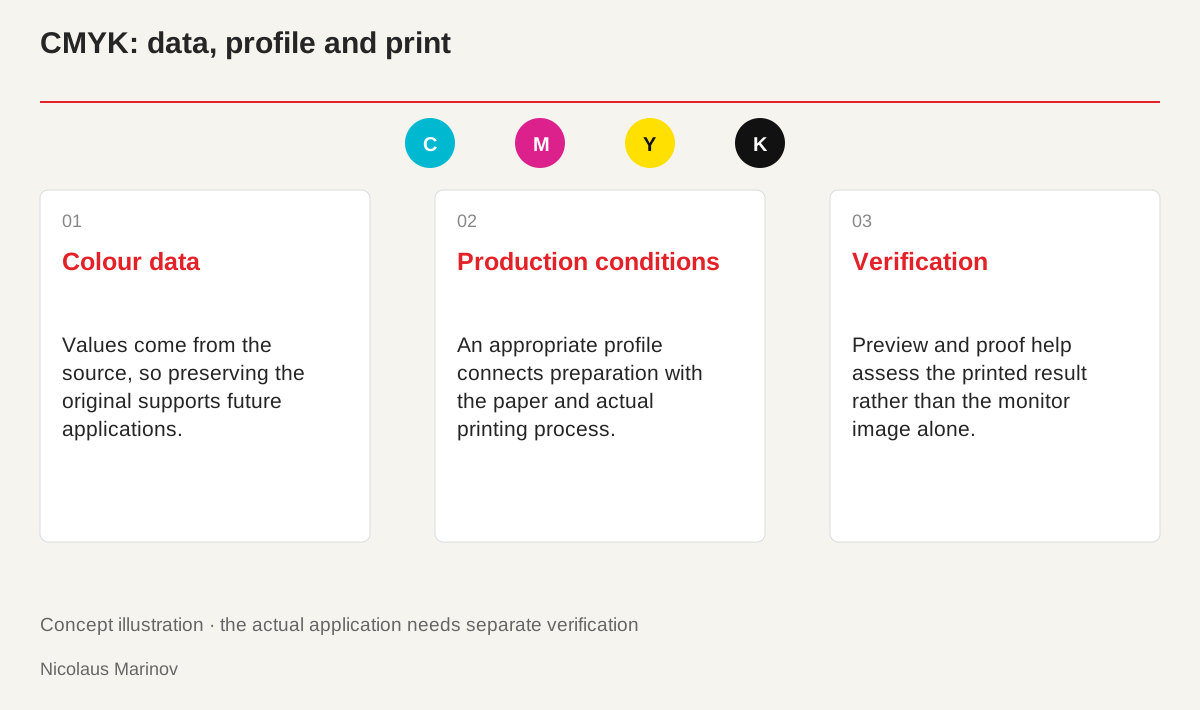
- Colour data: Values come from the source, so preserving the original supports future applications.
- Production conditions: An appropriate profile connects preparation with the paper and actual printing process.
- Verification: Preview and proof help assess the printed result rather than the monitor image alone.
A profile describes the production conditions
A CMYK value does not represent one identical colour everywhere. The selected profile relates the data to particular printing conditions. Ask the printer which profile and PDF settings are expected. Different paper or processes can produce different results. Approving a brand blue on a monitor, for example, does not prove that the chosen paper will create the same impression. The profile and a production sample support the decision rather than acting as technical labels added at the end. Agreeing on the conditions early helps the client, designer and printer judge the same intended outcome.
Assignment and conversion are different
Assigning a profile to interpret colour values differs from converting the colours into another space. Do not change profiles arbitrarily because one preview looks more attractive. Conscious preparation requires knowing both the source and destination. An RGB photograph can be converted into a print version at the appropriate stage of the workflow. Repeated, unchecked conversions may change its colours. Keep the original available for future applications. A restricted export should not become the only remaining source when the image later needs another production target or a different medium. This preserves flexibility without compromising the agreed print version.
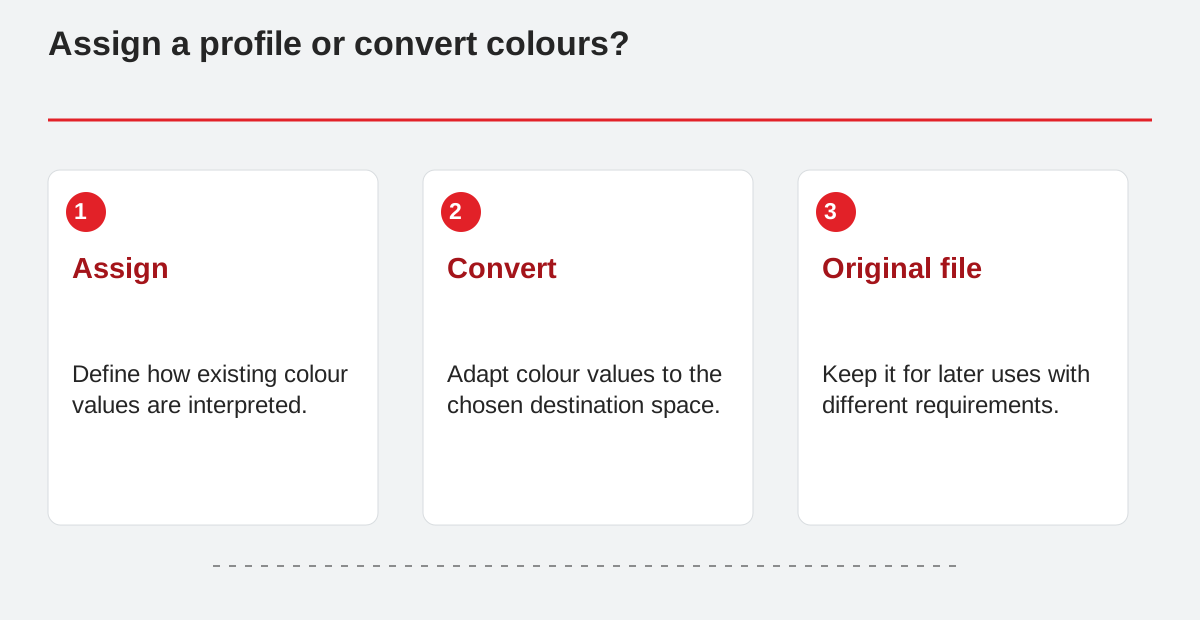
Assign a profile or convert colours?
- Assign: Define how existing colour values are interpreted.
- Convert: Adapt colour values to the chosen destination space.
- Original file: Keep it for later uses with different requirements.
Black text and black backgrounds do different jobs
Small text needs precise reproduction, while a large dark area needs the intended tone. Follow the printer’s instructions for black text, rich black and overprint settings. There is no universal mixture suitable for every process. Check fine lines and reversed light text separately. Total ink coverage, drying and registration are production considerations too. Do not build large areas with arbitrary amounts of colour solely because the screen preview looks good. Review the document at its final size. A detail that appears clean when enlarged may place different demands on the actual printed result.
Check more than the screen appearance
Review image resolution, bleed, fonts and colour separations with appropriate preview tools. An unintended spot colour can introduce another production requirement. Converting a deliberate spot colour to CMYK without agreement can also alter the outcome. Confirm critical colours through physical samples or a proof. Record the approval clearly and send that exact final version to the printer. Colour management then becomes a shared, testable process rather than an explanation offered after an unexpected result. Its purpose is to align expectations before production and retain the information needed for repeatable work.