

The power and meaning of colour
Archived article with editorially revised content
Colour is one of the first things people notice about a visual identity. Before reading the text, they already form an impression of the mood and the business behind it. Choosing colours is therefore a design decision that should consider the message, audience and application together.
Associations, not fixed rules
Blue often suggests calm and reliability, red energy and attention, and orange an approachable character. Green and brown can create a natural mood, while yellow brings a cheerful accent. Black, white and grey can support an orderly or elegant appearance. These associations are not universal across cultures and situations. Different imagery, typography or neighbouring shades can change what the same colour communicates.
Readability and consistency
A palette works when the roles of backgrounds, text and accents are defined as clearly as the main colour. Check contrast and never communicate errors, states or important information through colour alone. Screen RGB values and print colour specifications need separate definitions. A print proof or a real mobile screen reveals more about usability than an attractive colour sample viewed in isolation.
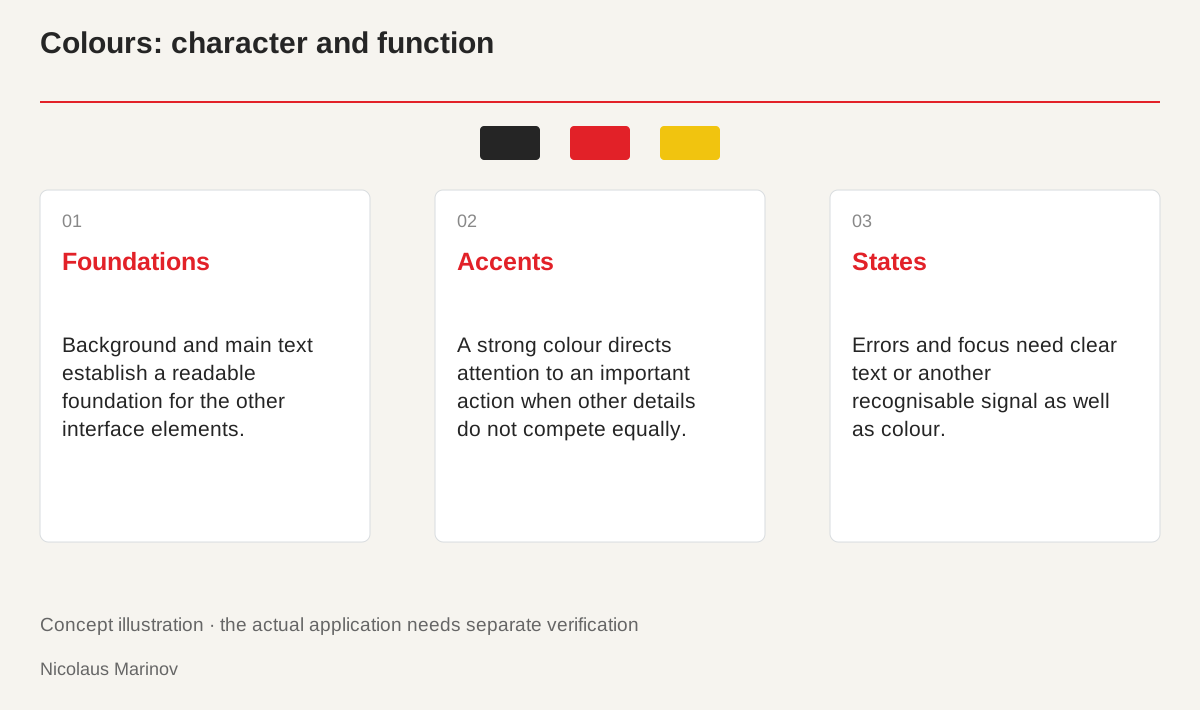
- Foundations: Background and main text establish a readable foundation for the other interface elements.
- Accents: A strong colour directs attention to an important action when other details do not compete equally.
- States: Errors and focus need clear text or another recognisable signal as well as colour.
Give each colour a job
Define roles before collecting a large number of attractive shades. Establish a primary brand colour, readable text and background colours, and an accent for important actions. On a restaurant website, for example, the booking button must remain easy to find beside atmospheric photographs. If every element uses an equally strong colour, none becomes a meaningful emphasis. A calm foundation and deliberately distributed accents create hierarchy together. Test the palette on complete pages with real content. A collection of beautiful swatches does not show whether visitors can quickly recognise the information and actions that actually matter.
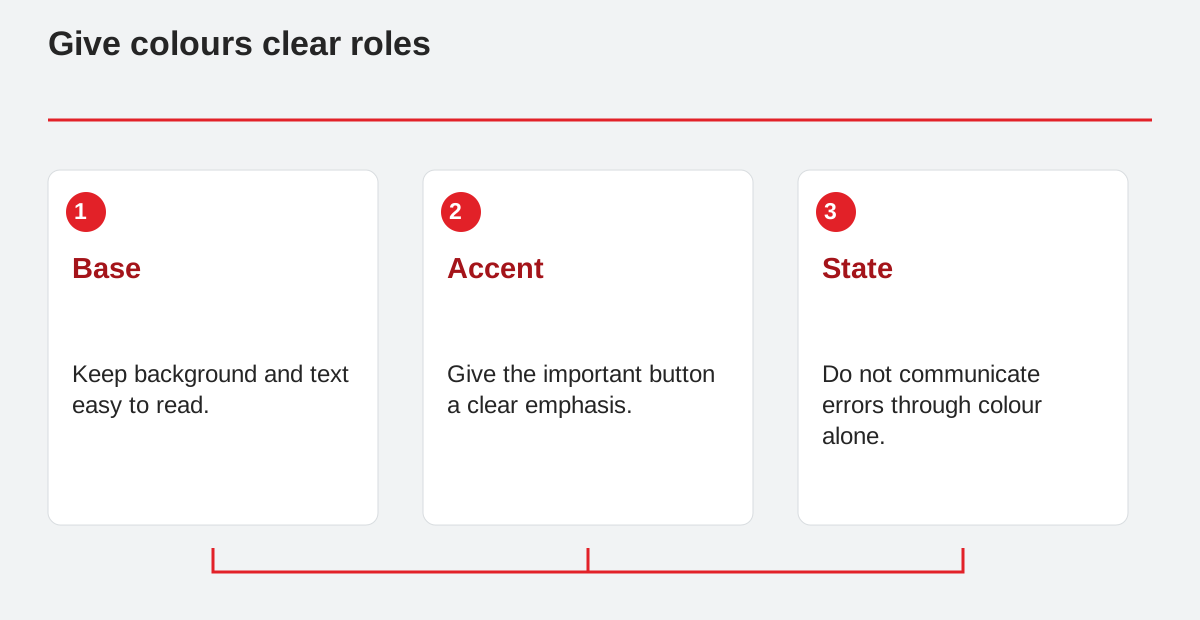
Give colours clear roles.
- Base: Keep background and text easy to read.
- Accent: Give the important button a clear emphasis.
- State: Do not communicate errors through colour alone.
Context changes what we perceive
Do not judge a shade only against white. The same colour can look different on a dark photograph, warm paper or beside another intense colour. Product photography, type size and material all contribute to the result. A nature-related service might use restrained green, but green alone does not substantiate an environmental claim. Images and specific information should support the intended character. Colour then becomes part of a credible presentation rather than a replacement for evidence. Check whether the combination suits the audience and remains recognisable in the media the business really uses.
Test contrast with real information
Small, delicate text usually needs a stronger separation from its background than a large heading. Apply WCAG requirements to the particular text and its use rather than judging a whole palette from one measurement. Check normal, hover, keyboard-focus and error states. A form error needs clear wording and a recognisable signal, not just a red border. Dark mode and a bright phone display can introduce different conditions. Test several settings so colour contributes to orientation and accessible use as well as atmosphere. An attractive sample is only the beginning of that evaluation, not the final answer.
Document the system for future use
Record the names and responsibilities of colours, not only their codes. Labels such as “main text” and “active button” give developers a clearer starting point than disconnected swatches. Distinguish screen and print versions, and identify any vivid colour that a particular production method can only approximate. A new campaign should not quietly create an unrelated second palette. Additional colours need defined roles and should be reviewed alongside existing materials. A short, understandable specification makes collaboration easier and prevents individual decisions from gradually weakening recognition. It also makes a later refresh more deliberate: the team can see which relationships should stay and which can change.